Boost Shopify Conversions with a Free Shipping Bar
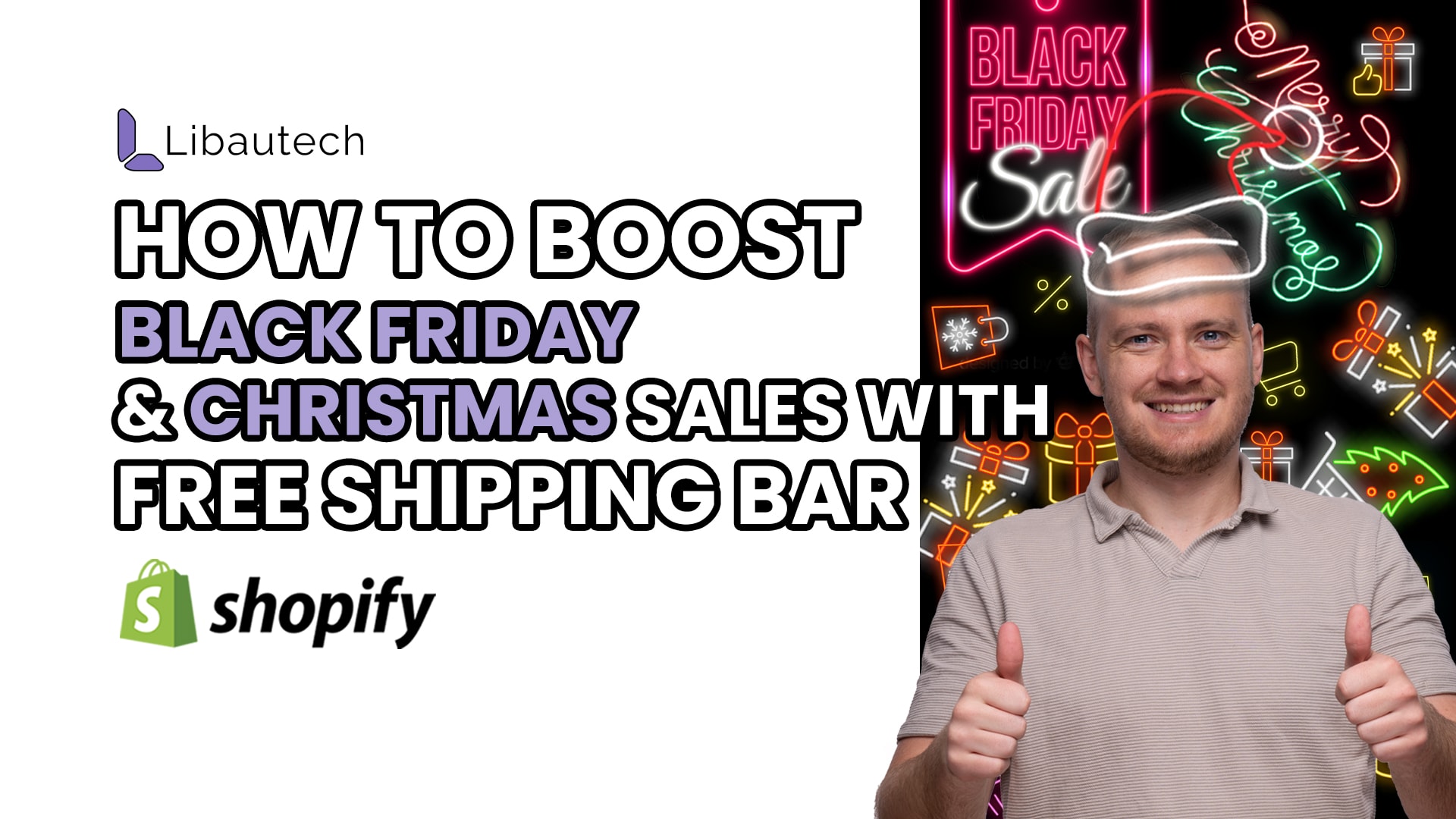
The holiday season is a crucial time for businesses to generate sales and attract customers. Whether it's Black Friday or Christmas, customers are always looking for the best deals and promotions. As an online retailer, one of the key factors you need to consider is how to improve your conversion rates during this festive period. One effective strategy is to display shipping costs prominently to help your customers make informed purchasing decisions. In this article, we will explore the benefits of using Libautech Announcement Bar to display shipping costs and provide step-by-step instructions on how to set it up.
Why Displaying Shipping Costs is Important
When a customer visits your website during the holiday season, one of the first things they want to know is how much the shipping will cost. By prominently displaying shipping costs, you can alleviate any concerns or uncertainties your customers may have and encourage them to make a purchase. The easier you make it for customers to understand the shipping costs, the more likely they will be to complete the checkout process. This is where the Libautech Announcement Bar comes in handy.
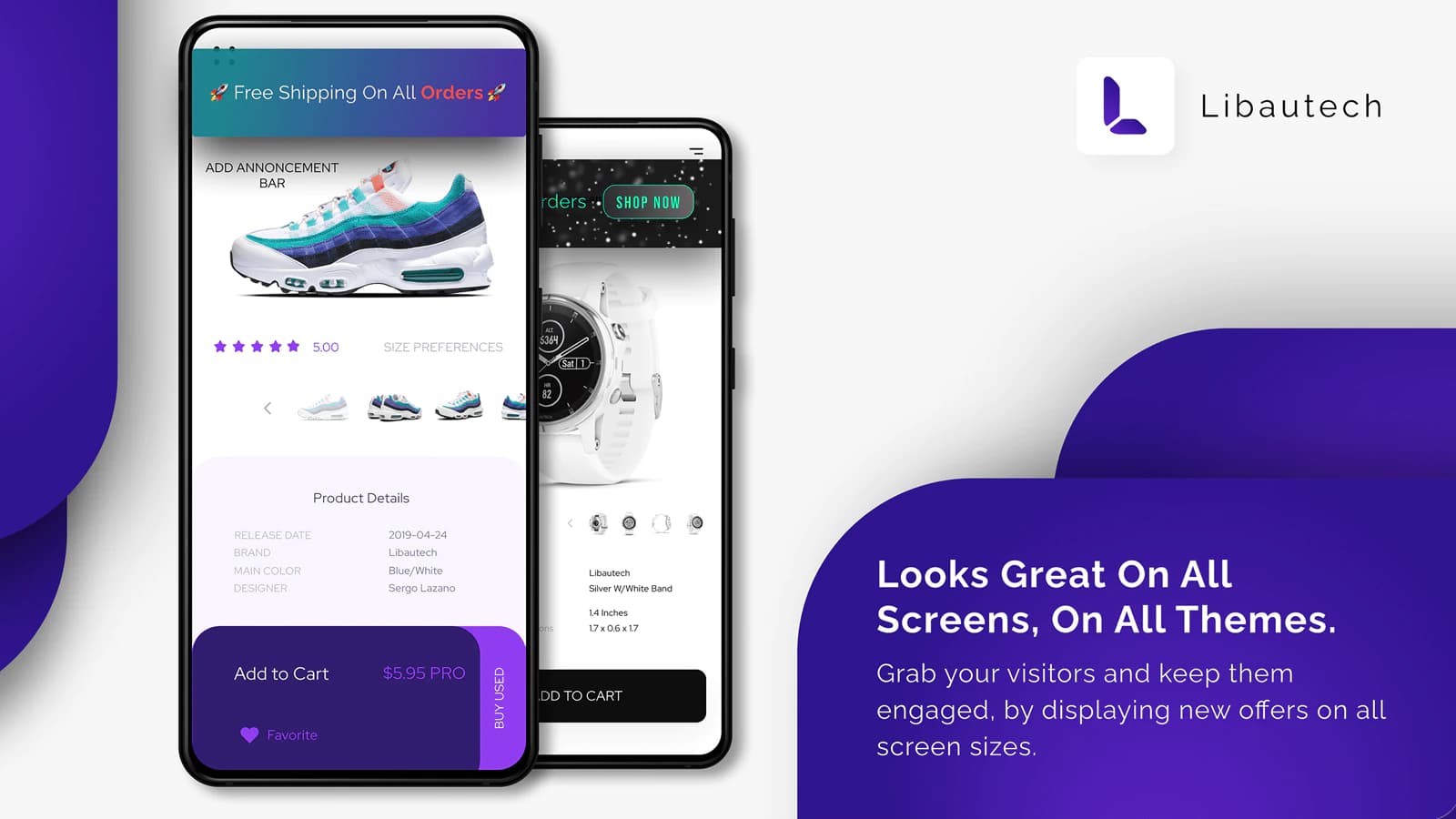
Introducing Libautech Announcement Bar
Libautech Announcement Bar is a user-friendly app that allows you to display shipping costs in a clear and concise manner. With this app, you have the flexibility to customize the shipping cost announcements according to your business's specific needs. You can set it up to display free shipping for orders meeting specific criteria, such as spending a certain amount or taking advantage of a special deal. By using this app, you can significantly improve your conversion rates during the holiday sales. Now, let's dive into the steps on how to set up the Libautech Announcement Bar.
Step-by-Step Guide to Setting Up Libautech Announcement Bar
1. Create a New Bar: To get started, press the "create new bar" button within the Libautech Announcement Bar app.
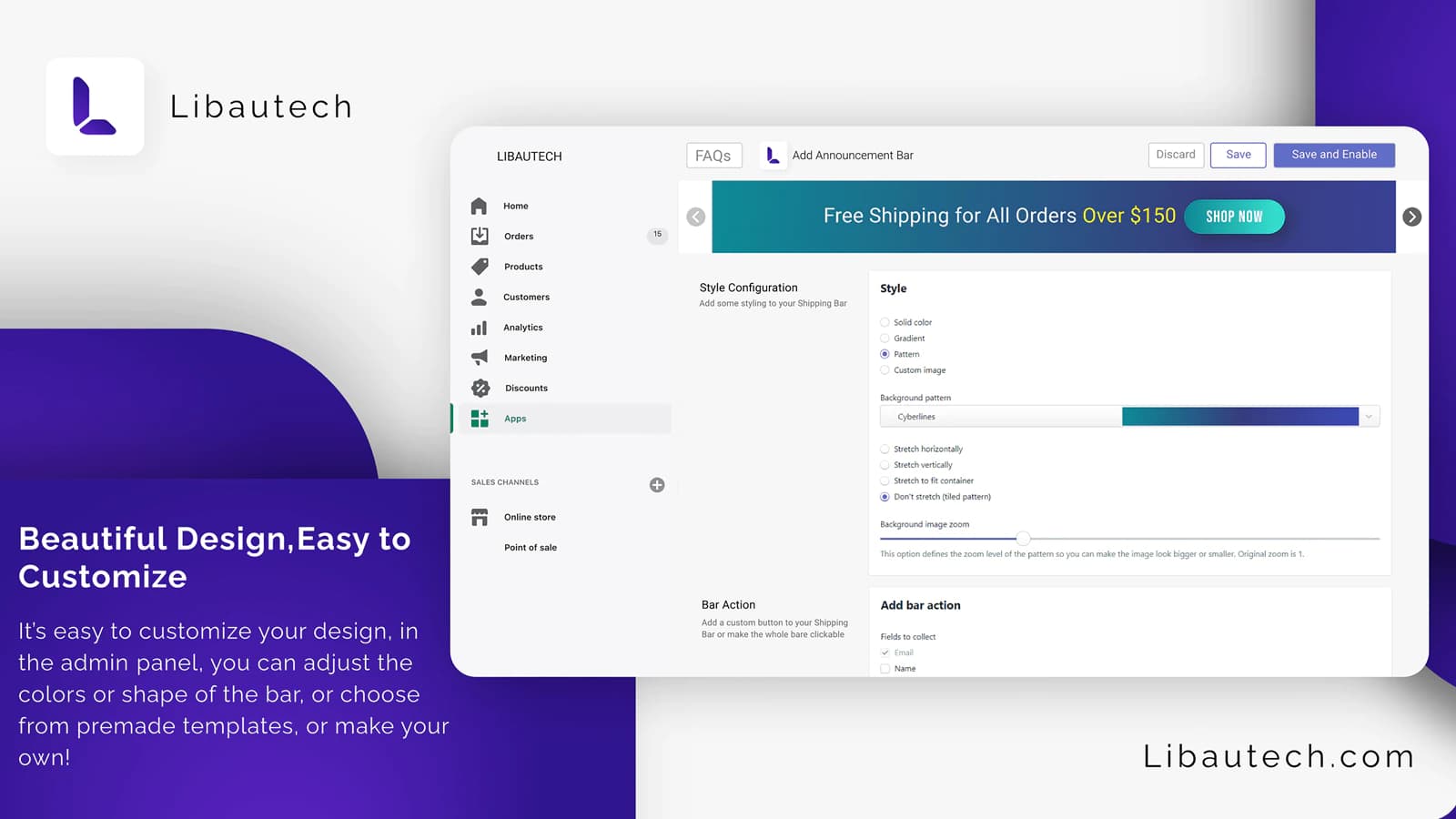
2. Select a Design: Next, choose from one of the pre-designed templates or opt for a simple black and white design.
3. Customize Shipping Options: You have the flexibility to decide on the shipping options you want to display using the app. You can choose from options like free shipping on all orders, free shipping on orders above a certain amount (e.g., €100), or free shipping with an extra deal if the customer spends even more.
4. Customize the Look: The app allows you to customize the look of the announcement bar. You can select the color scheme that aligns with your brand, adjust the text size, and even change the font colors and styles.
5. Save and Edit: Once you are satisfied with the design and customization, save your settings. You can also choose whether the announcement bar is clickable or not. Additionally, you have the option to edit the text further if needed.
By following these simple steps, you can have an attractive and effective announcement bar displaying shipping costs on your website in no time. The app is user-friendly and if you encounter any difficulties, the Libautech team is always ready to assist you.
The Impact on Conversion Rates
Displaying shipping costs prominently through the Libautech Announcement Bar can greatly improve your conversion rates during the holiday season. When customers add items to their cart and proceed to the checkout page, they are greeted by the announcement bar confirming that they qualify for free shipping. This simple act of reassurance can be the push they need to complete their purchase. By making the shipping costs transparent from the start, you build trust with your customers and eliminate any last-minute surprises that may lead to cart abandonment.
Final Thoughts
As an online retailer, it's crucial to optimize your website to maximize conversion rates during the busy holiday sales. Prominently displaying shipping costs can greatly impact your customers' purchasing decisions. By using the Libautech Announcement Bar app, you have an easy and effective way to showcase shipping costs in a clear and concise manner. Follow the step-by-step guide provided in this article to set up the app and customize it to fit your business's needs. Taking proactive steps to address your customers' concerns and providing a seamless shopping experience will undoubtedly lead to increased sales and customer satisfaction this holiday season. Good luck and happy holidays!