How to Add a Buy on eBay Button to Shopify
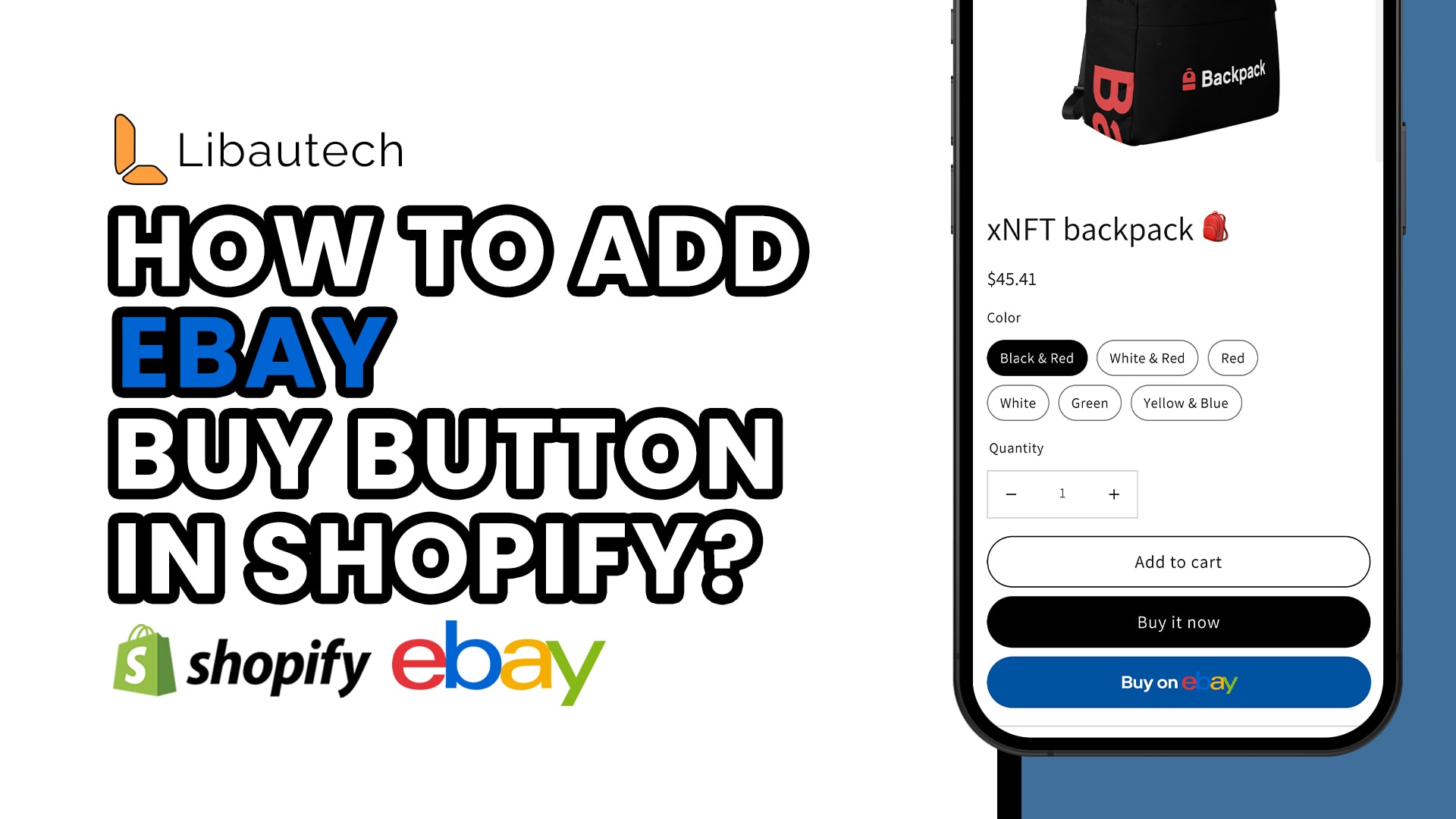
Are you looking to expand your online business by offering an option for customers to purchase your products on eBay? Perhaps you already have a Shopify store and want to integrate eBay into your sales strategy. Today, I'll show you how simple it is to add a "Buy on eBay" button on your Shopify product page using the Libautech Amazon Buy button app.
Introducing the Libautech Amazon Buy Button App
The Libautech Amazon Buy button app is an easy-to-use tool that allows you to seamlessly incorporate a "Buy on eBay" option on your Shopify product page. For a monthly cost of $9.99, this app provides a hassle-free solution that can enhance your customers' shopping experience and help boost your sales.
Getting Started with the App
Once you have installed the Libautech Amazon Buy button app, follow these steps to set up the "Buy on eBay" button on your Shopify product page:
1. Select the Classic Setup: After installing the app, choose the classic setup option. This will allow you to customize the appearance and functionality of the button according to your preferences.
2. Choose the Products: Next, select the products on which you want to feature the "Buy on eBay" button. This gives you control over which products you want to promote on eBay, offering flexibility to cater to your specific marketing goals.
3. Select eBay as a Marketplace: In this step, navigate to the settings and choose eBay as the marketplace where your customers will be redirected to complete their purchase. This integration ensures a smooth transition from your Shopify store to eBay.
4. Edit the Link: Click on the "Edit link" option and copy the link from your eBay product page or eBay affiliate page. Paste this link into the designated field and click "Save Enable" to update the changes. This step links your Shopify product page to the corresponding listing on eBay.
Enhancing the Customer Experience
Now that you have successfully integrated the "Buy on eBay" button on your Shopify product page, let's explore how it enhances the customer experience:
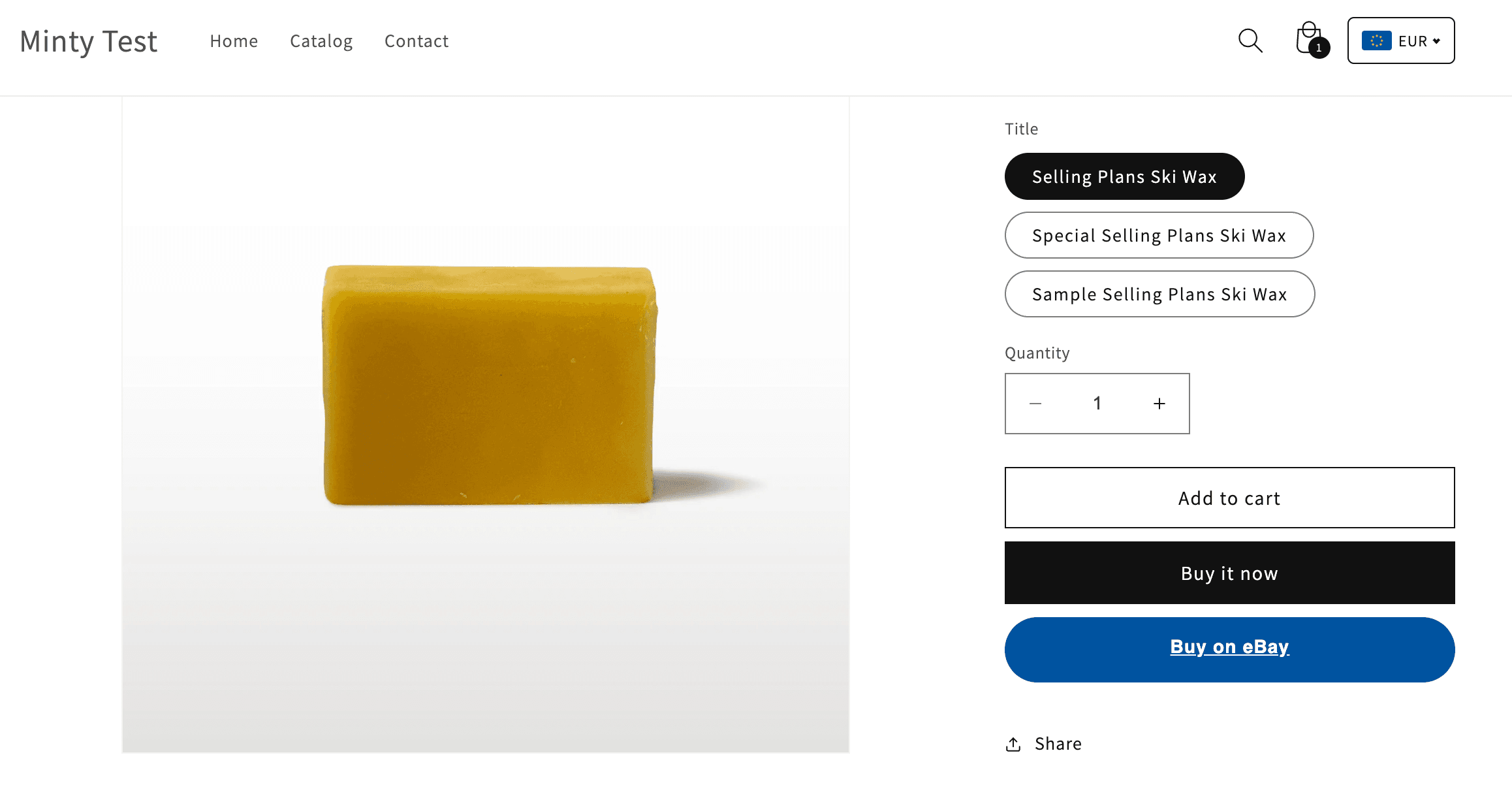
1. Seamless Redirect: When a customer clicks on the "Buy on eBay" button, they are seamlessly redirected to the eBay platform. This ensures a smooth transition of the purchasing process, allowing your customers to complete their checkout without any hassle.
2. Familiar Marketplace: eBay is a well-known and trusted online marketplace, and many customers are familiar with its interface. By incorporating a "Buy on eBay" button, you are tapping into the existing customer base and increasing the likelihood of conversions.
3. Wide Range of Options: eBay offers a vast range of products and purchasing options. By giving your customers the opportunity to buy your products on eBay, they can explore various sellers, compare prices, and find the best deal that suits their needs, further increasing the chances of a sale.
Troubleshooting Tips and Support
While the process of adding the "Buy on eBay" button is relatively straightforward, you may encounter some challenges along the way. Here are some troubleshooting tips and support options to assist you:
1. Reach Out for Support: If you encounter any issues during the setup process or if the button does not appear on your product page, don't hesitate to reach out to the Libautech support team. Their knowledgeable experts are ready to help you navigate any obstacles and ensure a smooth integration.
2. Double-check Link Accuracy: When copying and pasting the link from your eBay product page, ensure that you have copied the correct URL. Double-checking the link can prevent any errors and ensure that your customers are directed to the correct eBay listing.
3. Clearing Cache: If you have made changes to the app or your Shopify store settings but the "Buy on eBay" button still does not appear, try clearing your browser cache. Clearing the cache can help refresh the page and display any recent updates you have made.
4. App Updates: Stay up-to-date with any new app updates or versions. Keeping the app updated ensures that you have access to the latest features and bug fixes, maximizing the functionality and performance of the "Buy on eBay" button.
In conclusion, adding a "Buy on eBay" button to your Shopify product page is a simple process that can significantly expand your sales channels and reach a broader customer base. The Libautech Amazon Buy button app provides a cost-effective solution to seamlessly integrate eBay into your online business, giving your customers the freedom to choose their preferred marketplace and increasing your chances of making a sale. Remember to utilize the support options available to you should you encounter any difficulties during the setup process. Happy selling!