How to Add Shoppable TikTok Videos to Your Shopify Store
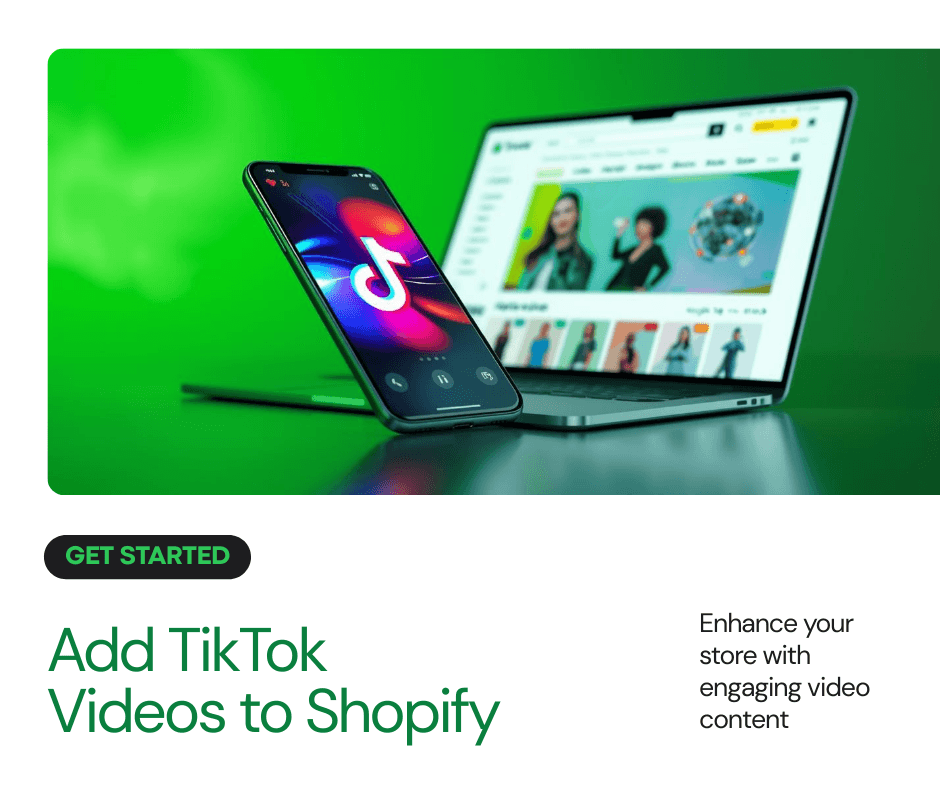
If you sell on Shopify, you already know that social proof converts. TikTok videos are one of the most powerful forms of it, and now you can put them directly on your product pages and homepage, fully shoppable.
Here is exactly how to do it.
What it looks like for your customers
When a customer visits your homepage or product page, they see a video carousel. They click a video, it opens, and there is a shoppable button right inside. They can watch the TikTok and buy the product without ever leaving your store. On product pages, the videos show up as they scroll down, showing the product in action. This is what brands call social commerce, and it works.
Watch the full walkthrough
Step 1: Install the Libautech Shoppable UGC app
Go to the Shopify App Store and search for Libautech Shoppable UGC. Install it to your store. This is the only app you need for this.
Step 2: Copy the TikTok video link
Open TikTok, find the video you want to add, and copy the direct link. It also works with Instagram Reels, YouTube Shorts, and custom video uploads.
Step 3: Import the video into the app
Paste the link inside the Libautech Shoppable UGC app and click Import. The app pulls in the video automatically. From there you can tag a product and link the video to any item in your store.
Step 4: Enable the app in your theme
Go to your Shopify theme editor and add the Libautech UGC Carousel as an app block or app embed. You choose where it appears, whether that is the homepage, a collection page, or individual product pages.
Pro tip: Use collections for product-specific videos
If you want specific videos on specific product pages, create collections and assign videos to them. Each product page can then show the most relevant videos with a buy button inside each one. Customers watch, click, and purchase in seconds.
Why this works
People trust real video content from real creators far more than product photos. When a customer can see a product being used and buy it with one click from that same video, the barrier to purchase drops significantly. This is the same mechanic that makes TikTok Shop effective, but built directly into your own Shopify store where you keep full control.
The Libautech Shoppable UGC app is free to get started. Find it on the Shopify App Store and have your first shoppable video live in under ten minutes.