How to Build an Amazon Affiliate Store Using Shopify
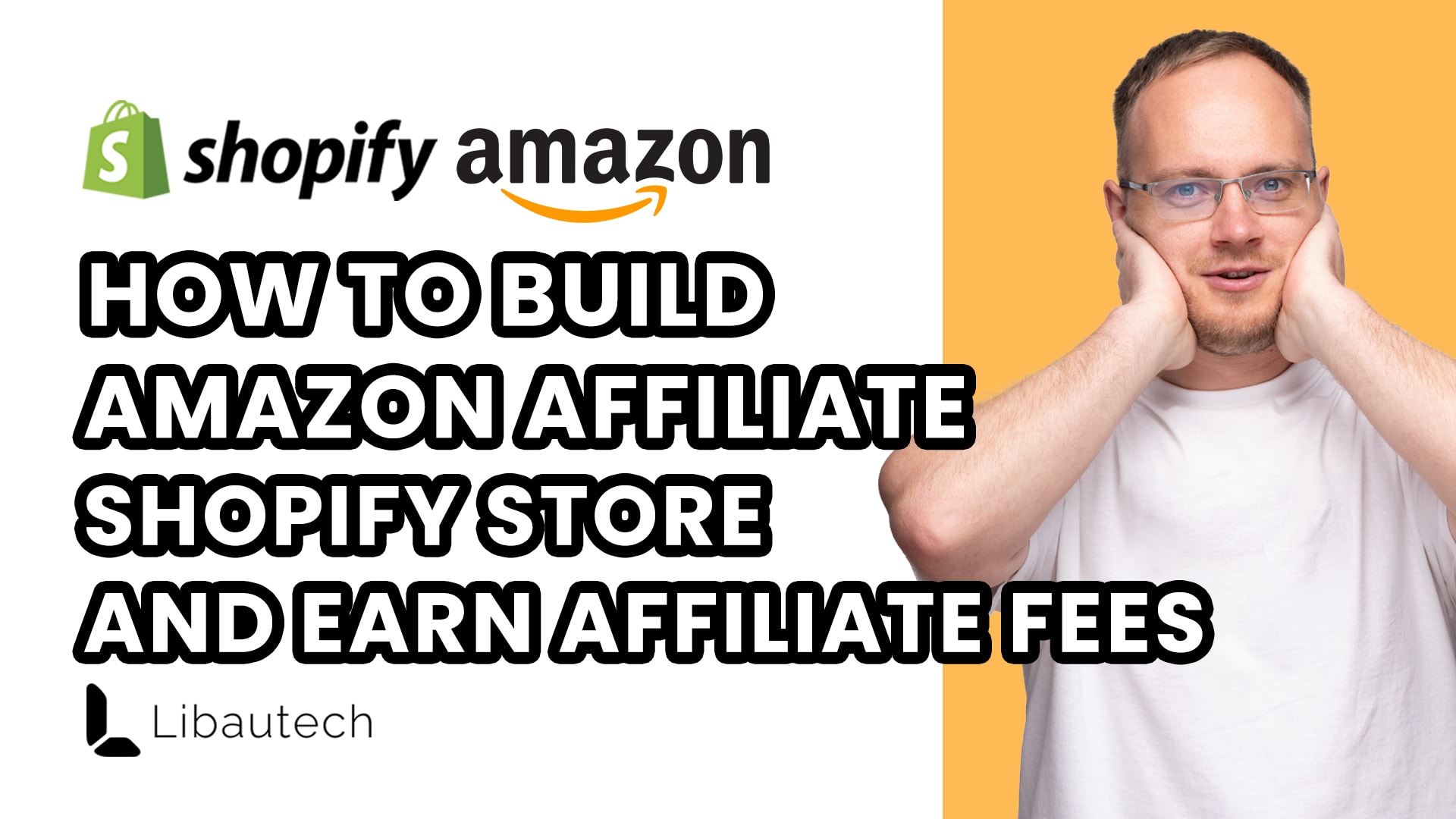
Building an Amazon affiliate store using Shopify is a simple and effective way to earn commissions from the sales generated by driving traffic to Amazon. In this article, I will guide you through the process of setting up your own Amazon affiliate store using Shopify, step by step.
Step 1: Set up a Shopify Store
To get started, you need to have a Shopify store. You can sign up for a Shopify store by following the link provided https://shopify.pxf.io/c/2332316/1061744/13624. By using the link, you can avail of a special offer where you'll only pay $1 for the first three months of your subscription, saving you $100. This is a great deal to kickstart your affiliate store.
Step 2: Understand Amazon Affiliate Program
Before diving into the setup process, it's important to understand what exactly the Amazon affiliate program is. In simple terms, it involves driving traffic to Amazon and earning a percentage commission from any sales made by the referred customers. The commission rates vary depending on the product category, ranging from 4.50% for physical books to 10% for luxury beauty items.
To maximize your earnings, it's crucial to drive high-quality traffic and ensure good conversion rates.
Step 3: Find Amazon Products for Your Store
The next step is to find the Amazon products that you want to add to your store. Typically, people recommend using an Amazon exporter or an import tool to add products from Amazon directly to your Shopify store.
However, I have a different approach that simplifies the process. I copy the product details from Amazon and paste them into ChatGPT, an AI-powered language model. In ChatGPT, I enter a prompt asking it to generate a Shopify product headline with a maximum of three words and a description of 500 words. This allows me to have concise headlines and a substantial SEO-friendly description for better optimization.
By avoiding the use of key points and other unnecessary details, and focusing on a well-crafted 500-word description, you can improve your store's SEO and attract more organic traffic.
Step 4: Add Products to Your Shopify Store
Once you have generated the product description using ChatGPT, you can proceed to add products to your Shopify store. Simply copy the generated text and paste it into the product description field in Shopify. Press the "Add Products" button, and your products will be added to your store.
Step 5: Install the Libautech Amazon Buy Button App
To ensure that you earn affiliate fees for the products sold through your store, you need to install the Libautech Amazon Buy Button Shopify app. This app costs $9.99 per month and allows you to add an affiliate tag to your products.
After installing the app, select the product you want to add the affiliate tag to and enter the corresponding ASIN (Amazon Standard Identification Number) of the product. You can also add keywords or use custom affiliate links from Amazon.
Step 6: Add Your Affiliate Tag
To track the traffic sent from your store to Amazon and earn affiliate fees, you must add your affiliate tag to the product links. When editing your store for a specific Amazon marketplace, locate the designated section for adding your affiliate tag. By adding your tag, Amazon can track the traffic you send and attribute any resulting sales to your account.
Step 7: Optimize Your Store for Organic Traffic
To increase the visibility of your affiliate store and attract organic traffic, it's essential to optimize your store and product descriptions for search engines. When building your store, I recommend using a customizable Shopify theme known as "Dawn Theme." Additionally, Shopify provides twelve other free themes that you can experiment with to find the one that suits your store's aesthetic and functionality.
To further improve your store's SEO, continue using ChatGPT to refine your product descriptions and other text on your website. By regularly updating and optimizing the content, you can increase your chances of ranking higher in search engine results, attracting more organic traffic and potential buyers.
Step 8: Leverage Seasonal Traffic and the 24-Hour Cookie Policy
One advantage of running an Amazon affiliate store is the opportunity to leverage seasonal traffic spikes. For example, during the festive Christmas season, people tend to shop more, providing an excellent opportunity to drive traffic to your store.
Additionally, it's important to note that Amazon has a 24-hour cookie policy. This means that if you refer a customer to Amazon, even if they don't purchase the initially referred product but buy other items within 24 hours, you will still earn affiliate fees. This policy ensures that you have a higher chance of earning commissions from a wider range of customer purchases.
In conclusion, building an Amazon affiliate store using Shopify is a straightforward process that can lead to significant earning potential. By following the steps outlined in this article, you can set up your own affiliate store, drive traffic, and earn commissions on the sales generated. If you need any further assistance or have questions, feel free to leave a comment, and I will be happy to help you.