How to Create Product Add-Ons for Your Shopify Store

In the competitive world of e-commerce, providing personalized shopping experiences to customers can significantly boost sales and customer satisfaction. One effective way to achieve this is by offering product add-ons, allowing customers to customize their purchases with complementary or upgraded items. In this blog post, we will explore how you can easily create product add-ons for your Shopify store using the Shopify Smart Upsell app. This powerful app will enable you to enhance your store's offerings and maximize revenue by enticing customers to enhance their orders with relevant and appealing add-ons.
Why Offer Product Add-Ons?
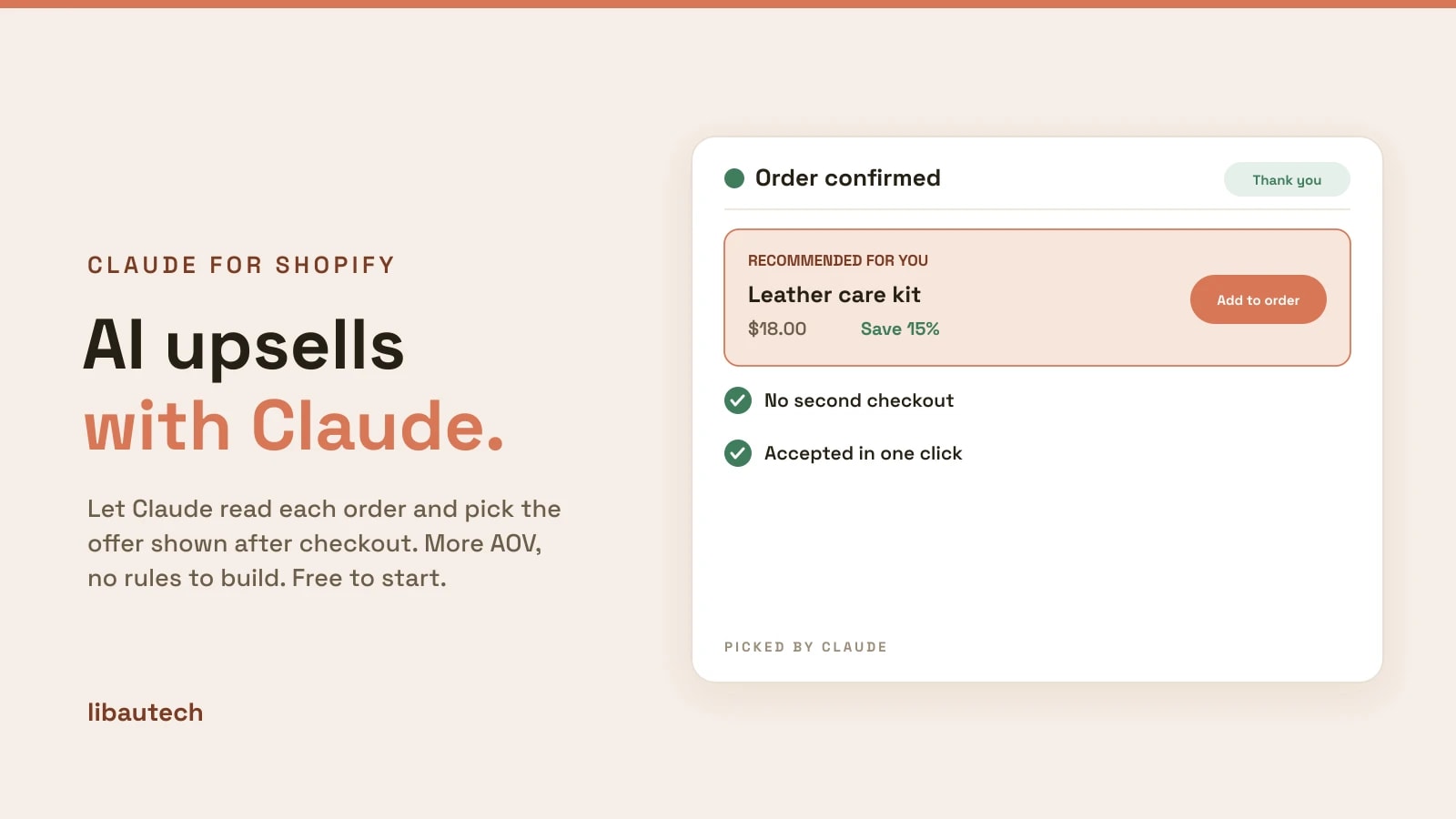
Product add-ons can be a game-changer for your e-commerce business. They give customers the freedom to tailor their purchases according to their preferences and needs, creating a sense of personalization and ownership. When done right, product add-ons can lead to increased order values and improved customer loyalty. By offering add-ons that complement the main product, you not only enhance the shopping experience but also encourage customers to explore and discover more of what your store has to offer.
Introducing the Shopify Smart Upsell App
The Shopify Smart Upsell app is a powerful tool designed to help store owners implement product add-ons seamlessly. With its user-friendly interface and customizable options, you can effortlessly create compelling upsell offers that resonate with your target audience. Let's dive into the steps to get started with the app and set up product add-ons for your Shopify store:
Step 1:
Install the Shopify Smart Upsell App - https://apps.shopify.com/add-upsell-cross-sell
Begin by visiting the Shopify App Store and searching for the "Smart Upsell" app. Click on "Add app," and follow the prompts to install it to your store.
Step 2:
Choose Your Upsell Strategy
Once the app is installed, you'll have various upsell strategies to choose from. Select the option that aligns with your goals and products. For instance, you can offer complementary add-ons, bundle deals, or even tiered upgrades.
Step 3:
Set Up Your Product Add-Ons
Next, it's time to create your product add-ons. Define which products in your store will have add-ons available and select the appropriate options for each one. You can add images, descriptions, and discounts to make your add-ons more enticing.
Step 4:
Implement Smart Triggers
The Shopify Smart Upsell app allows you to set up smart triggers that prompt the upsell offer at the right moment during the customer's journey. You can display the offer based specific products, or user all products, ensuring the offer is relevant and non-intrusive.
Step 5:
Analyze Performance
Monitor the performance of your upsell offers through the app's analytics. Gain insights into which add-ons are most popular and identify opportunities to optimize your upselling strategy further.
Implementing product add-ons for your Shopify store can be a game-changer for your e-commerce success. By using the Shopify Smart Upsell app, you can effortlessly create and customize appealing upsell offers that enhance the shopping experience and drive higher order values. With the power to provide personalized and relevant add-ons, you'll create a loyal customer base and unlock new revenue streams for your online store. Embrace the potential of product add-ons with the Shopify Smart Upsell app and take your e-commerce business to new heights.