Improve Shopify AOV With Frequently Bought Together
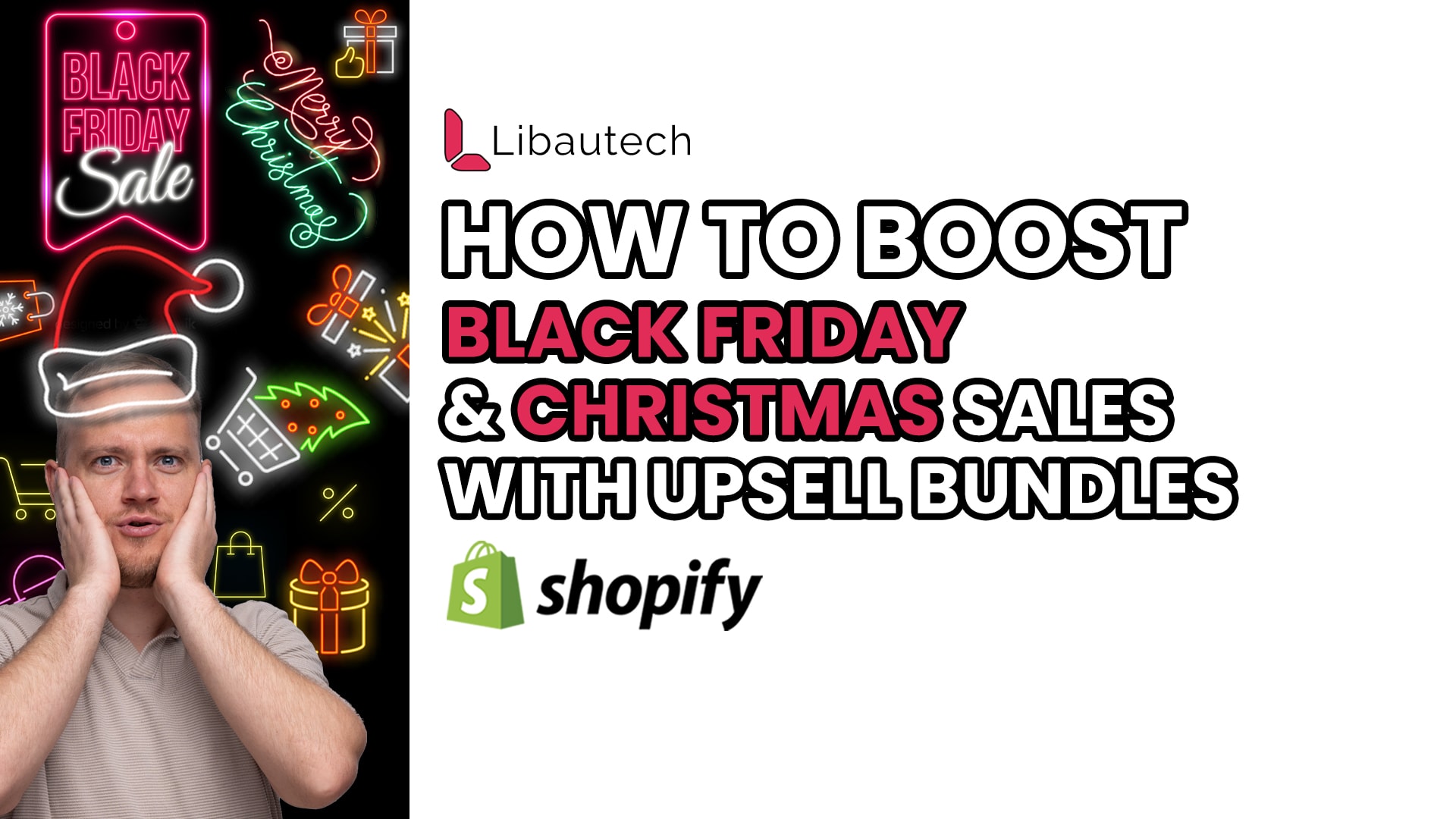
As the holiday season approaches, it's essential to make the most of the increased traffic on your e-commerce site. One effective way to boost your average order value is by implementing the frequently bought together style, popularized by Amazon. This strategy offers customers a discount when they purchase a bundle of products that complement each other. In this article, we will explore how to set up this feature on your Shopify store using the Libautech Smart Upsell app.
Why Frequently Bought Together Style Works
The concept behind frequently bought together style is simple but effective. By encouraging customers to buy a bundle of products instead of just one, you can increase their average order value. When customers see an enticing discount on a product page, they are more likely to add it to their cart. Once they proceed to the cart, they will see the offer with the discount code, further incentivizing them to make the purchase.
Setting Up Frequently Bought Together on your Shopify Store
To implement frequently bought together style on your Shopify store seamlessly, you can use the Libautech Smart Upsell app. This app offers various upsell offer types, including add-ons, frequently bought together, post-purchase upsell, and cart upsell. For just $9.99 per month, this app provides you with the tools needed to maximize your holiday sales.
Here's a step-by-step guide on how to set up frequently bought together offers using the Libautech Smart Upsell app:
Step 1: Install the App
Begin by installing the Libautech Smart Upsell app from the Shopify App Store. The installation process is straightforward and should only take a few minutes.
Step 2: Enable the App on your Theme
Once the app is installed, enable it on your Shopify theme. The app provides a video instruction on how to do this, or you can follow the written instructions in the app. Enabling the app on your theme ensures that the frequently bought together offers are visible on the product pages.
Step 3: Create the Offer
Now it's time to create the frequently bought together offer. Start by selecting the product page where the offer should be visible. This ensures that customers see the bundle offer when they consider purchasing a particular product.
Step 4: Select the Products for the Offer
Next, you need to select which products should be included in the frequently bought together offer. For example, if a customer tries to buy a gift wrap, they will see the specific bundle offer. Simply add the products that complement each other to create an enticing bundle.
Step 5: Add a Discount Code
To make the offer even more attractive, consider providing a discount code. This code should offer customers a percentage off to encourage them to take advantage of the bundle offer. For example, you can create a discount code like "BLFR" for a 40% off Black Friday sale. Adding a discount code entices customers and creates a sense of urgency.
Step 6: Save the Offer
After configuring all the necessary settings, give your frequently bought together offer a name and save it. This ensures that the offer is ready to be shown to customers on your site.
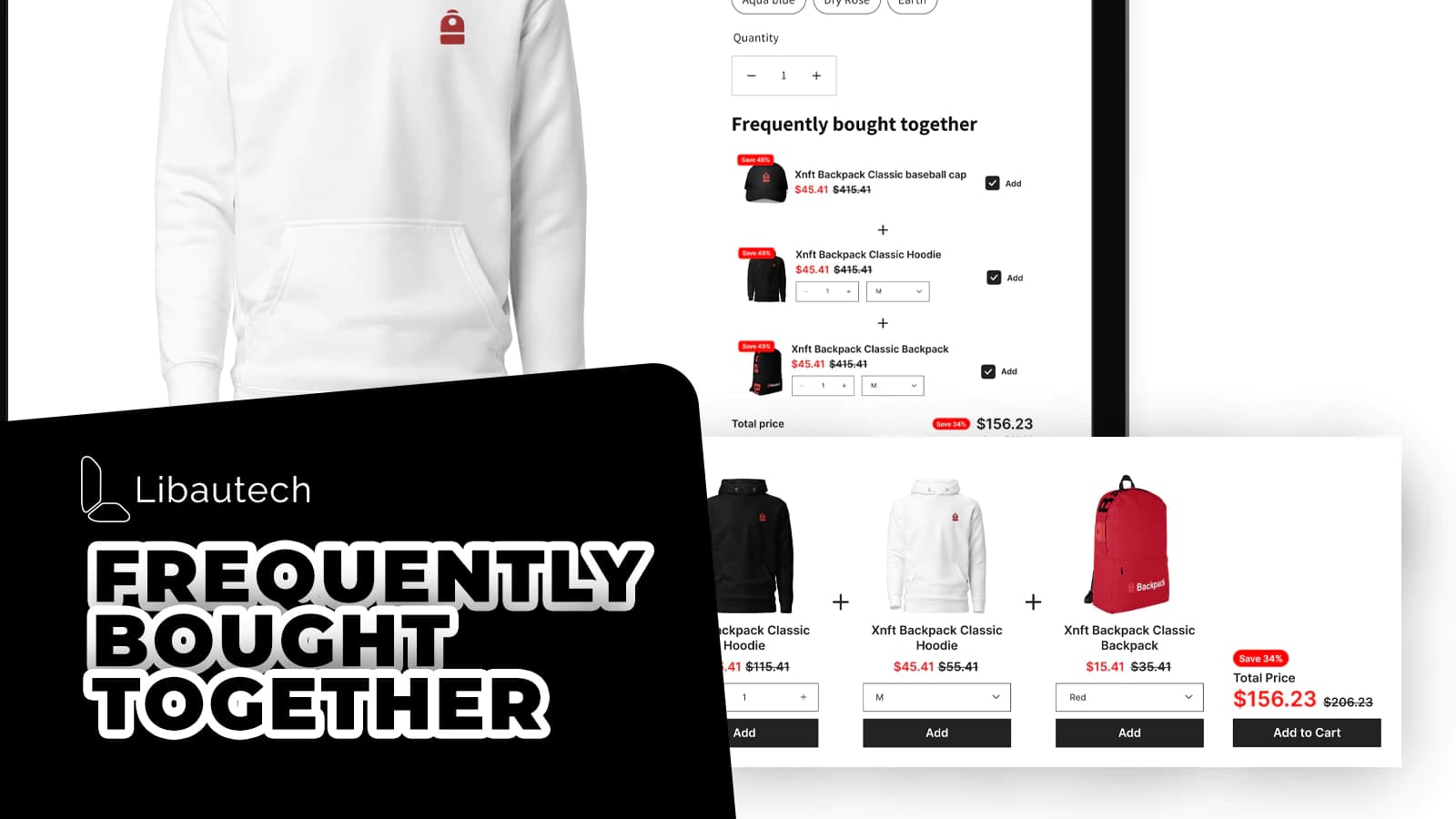
Step 7: Check if the Offer is Visible on Your Site
It's important to verify that the frequently bought together offer is visible on your site. By navigating back to your store and viewing a product page, you should see the offer displayed prominently. If the offer is not visible, it may require integration with your theme. In this case, simply open a support ticket in the chat box, and the Libautech team will assist you within eight to 12 hours.
The Libautech Smart Upsell app simplifies the process of implementing this feature on your Shopify store, providing you with the necessary tools to maximize sales. So, make the most of Black Friday and Christmas sales this year by utilizing frequently bought together offers and boosting your e-commerce revenue.