How to Set Up an Announcement Bar for Your Shopify Store
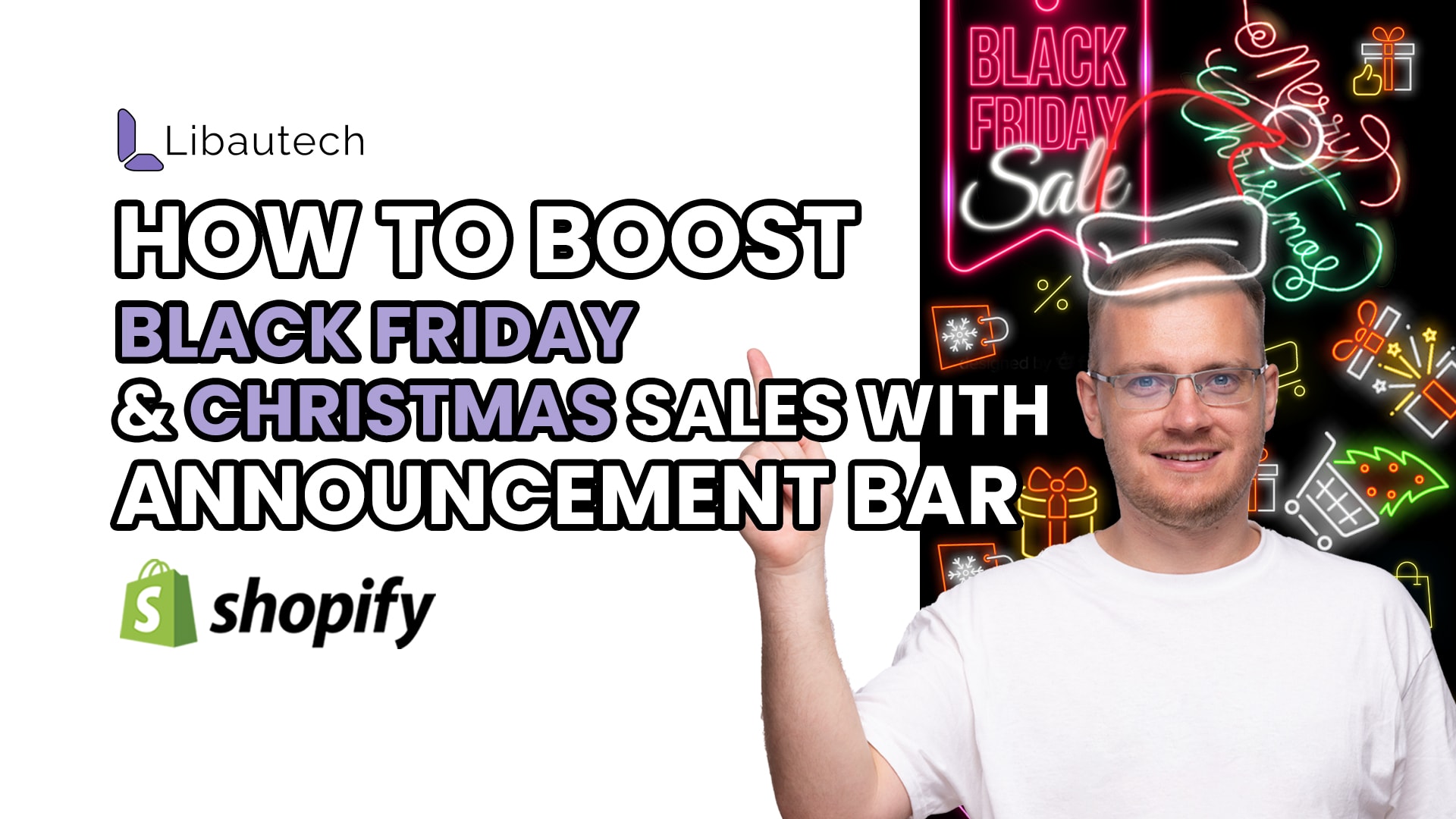
Are you looking for an effective way to increase sales and create a sense of urgency for your customers? An announcement bar on your Shopify store may be just what you need. By announcing a special sale or offering free shipping, you can attract more customers and drive conversions. In this article, we will guide you through the simple steps to set up an announcement bar for your Shopify store using the Libautech Announcement Bar app.
The Power of an Announcement Bar
During busy shopping periods like Black Friday and Christmas, it's crucial to grab your customers' attention and encourage them to make a purchase. An announcement bar is a highly visible section that appears at the top of your website, making it impossible for visitors to miss. By displaying a message about a sale or promotion, you create a sense of urgency and incentivize customers to take action.
Set Up with Libautech Announcement Bar App
To set up an announcement bar on your Shopify store, you will need to install the Libautech Announcement Bar app. This app offers both a free plan and a freemium plan, allowing you to choose the option that suits your needs. Here's a step-by-step guide on how to set it up:
1. Install the App: Start by installing the Libautech Announcement Bar app from the Shopify App Store. Once installed, open the app to begin the setup process.
2. Create a New Bar: In the app, you will find an option to create a new bar. Click on it to get started.
3. Select Design: The app provides various design options for your announcement bar. You can choose from pre-designed templates or customize it according to your preferences. Additionally, the app offers a free shipping bar option, which can be a great incentive for customers to make larger purchases.
4. Set the Message: Once you have selected the design, it's time to set the message on your announcement bar. Consider the purpose of your message. Are you announcing a Black Friday sale, Christmas sale, or offering free shipping? Craft a compelling message that clearly conveys the value proposition to your customers.
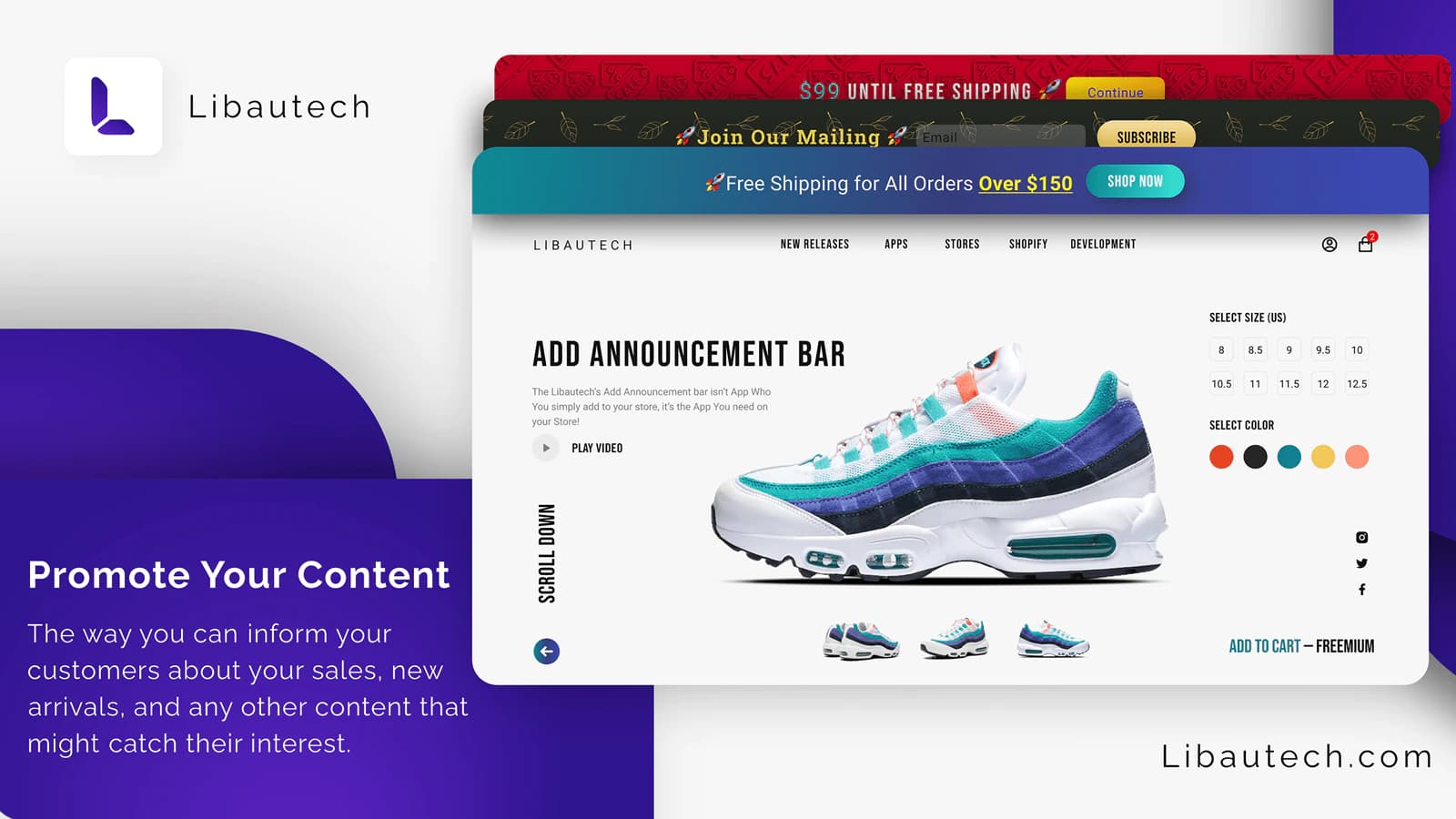
5. Customize Appearance: The app allows you to customize the appearance of your announcement bar to align with your brand's aesthetics. You can adjust the font, size, and color of the text to make it more visually appealing.
6. Make It Clickable: Want to guide your customers directly to a specific landing page or product page? The app provides an option to make your announcement bar clickable. By redirecting your customers to relevant pages, you can increase engagement and conversions.
7. Preview and Publish: Before making your announcement bar live, take advantage of the preview feature in the app. This allows you to see how your announcement bar will look on your website. Once you're satisfied with the appearance, simply hit the publish button, and your announcement bar will be visible to your customers.
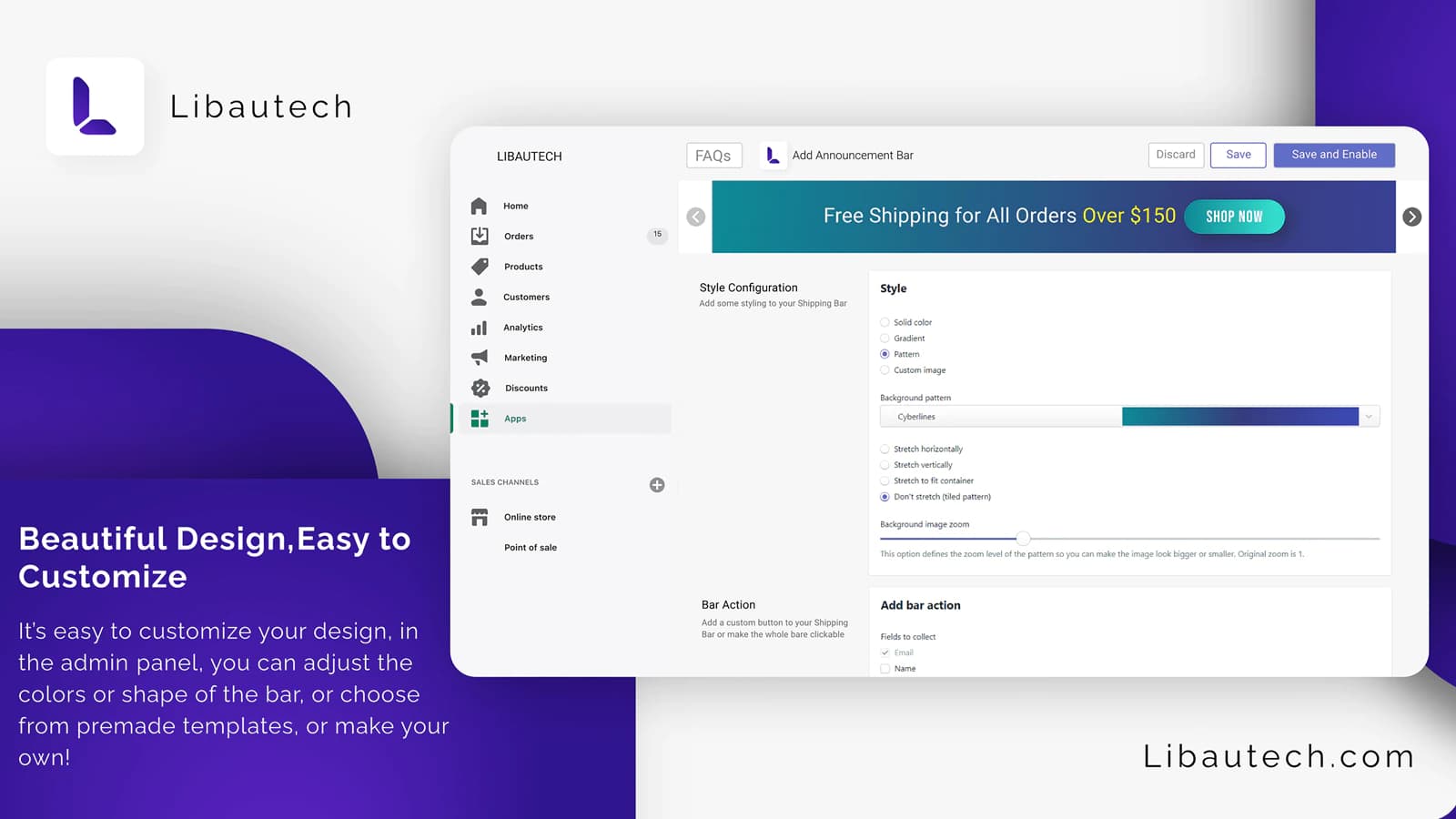
That's it! By following these simple steps, you can set up a visually appealing and persuasive announcement bar for your Shopify store. Let's recap the benefits of an announcement bar and how it can boost your sales.
Benefits of an Announcement Bar
1. Creating Urgency: By announcing a limited-time sale, you create a sense of urgency among your customers. They know that the sale is ending soon and are more likely to make a quick purchase.
2. Driving Conversions: A well-crafted announcement bar draws attention to your special offers, pushing customers to explore your products and make a purchase.
3. Increasing Average Order Value: By offering free shipping for orders over a certain amount, you can encourage customers to add more items to their carts to qualify for the free shipping incentive.
4. Enhancing User Experience: An announcement bar that is visually appealing and seamlessly integrated into your website improves the overall user experience. Customers appreciate clear and concise messages that add value to their shopping journey.
Whether you're offering discounts during Black Friday or Christmas sales or promoting free shipping, the announcement bar acts as a powerful tool to engage and motivate your customers to take action.
Take advantage of this simple yet effective strategy and watch your sales soar. If you need any assistance during the setup process, the knowledgeable team at Libautech is available to help. Start using an announcement bar today and see the positive impact it has on your business!