How To Setup Cart Upsell Popup Offer on Shopify
Are you looking for a simple and effective way to increase your sales? Look no further than the Libautech Smart Upsell app. With this app, you can easily set up cart upsell or downsell offers with add-ons to entice your customers to make additional purchases. In this article, I will guide you through the process of setting up these offers and maximizing your sales potential.
Getting Started
To begin, you need to make sure that the Shopify Libautech Smart Upsell app is enabled on your team. Once you have done that, follow the steps outlined below to set up a cart upsell or downsell offer with add-ons.
1. Open the Libautech Smart Upsell app and select "Create offer."
2. Choose the "Cart page" option.
3. Select "Cart add-ons" as the type of offer you want to create.
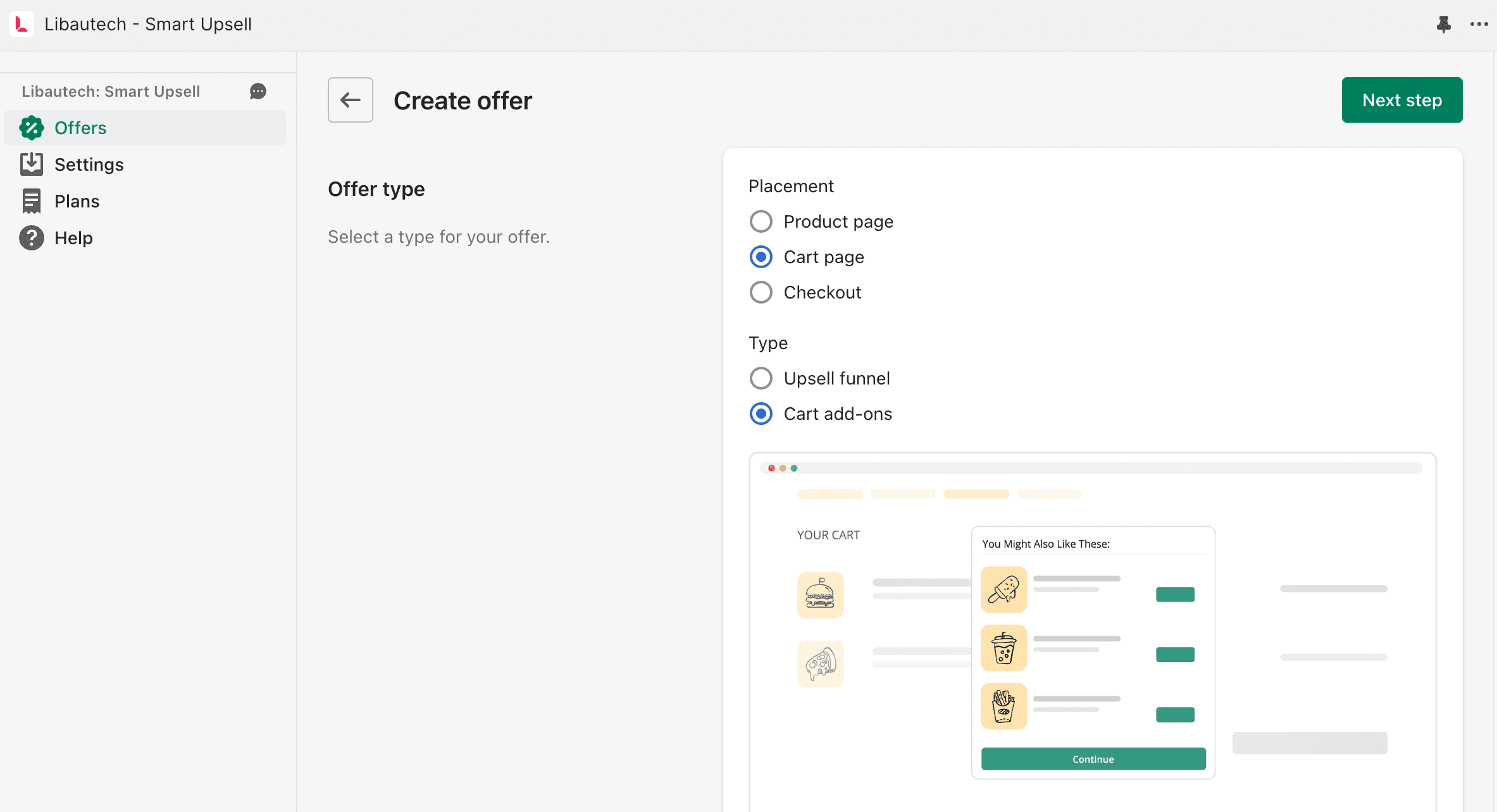
Selecting Products for Add-Ons
The next step is to determine which specific products the add-ons will work with. You have the option to select all products or choose specific ones. It is essential to choose add-ons that complement the customer's initial purchase and enhance their overall shopping experience.
Consider offering add-ons like gift wrapping or a free gift. Remember, the key is to make the offer attractive to the customer. If the offer is not compelling, it will most likely fail to generate additional sales. Take the time to select attractive and valuable add-ons that will entice your customers to take advantage of the offer.
Adding Discounts and Bundles
Another way to make your upsell or downsell offer more appealing is by adding discounts. You can bundle products together and offer a discount percentage to encourage customers to add additional items to their cart. Name your offer appropriately, such as "Add-ons Example," so customers can easily identify and understand the offer.
Enabling the Offer
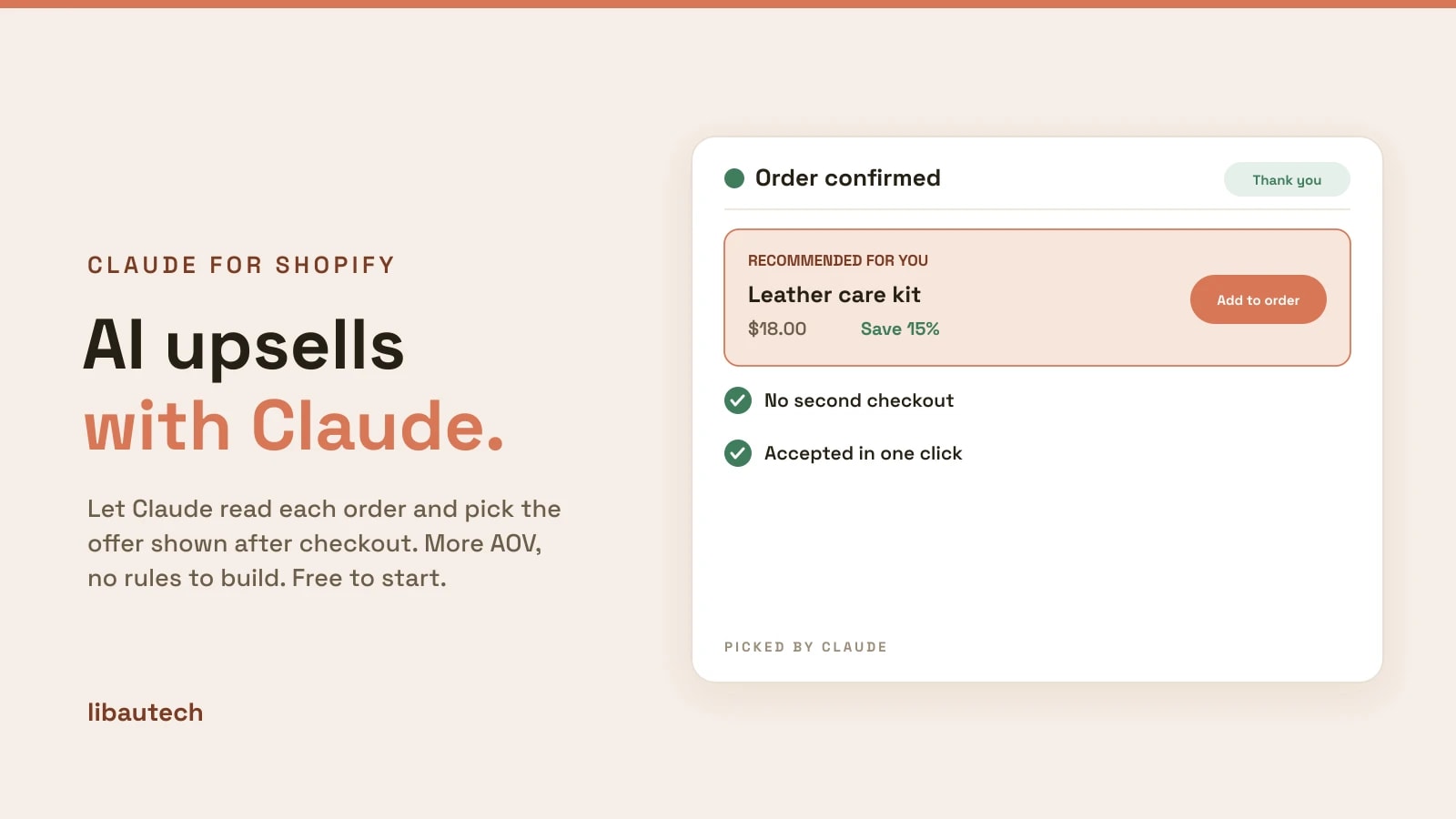
Once you have created the offer, it's time to enable it on your team. By enabling the offer, it will become live and visible to your customers on the checkout page. The offer will appear after the customer clicks on the checkout button, providing them with the opportunity to add the upsell or downsell items to their cart before proceeding to checkout.
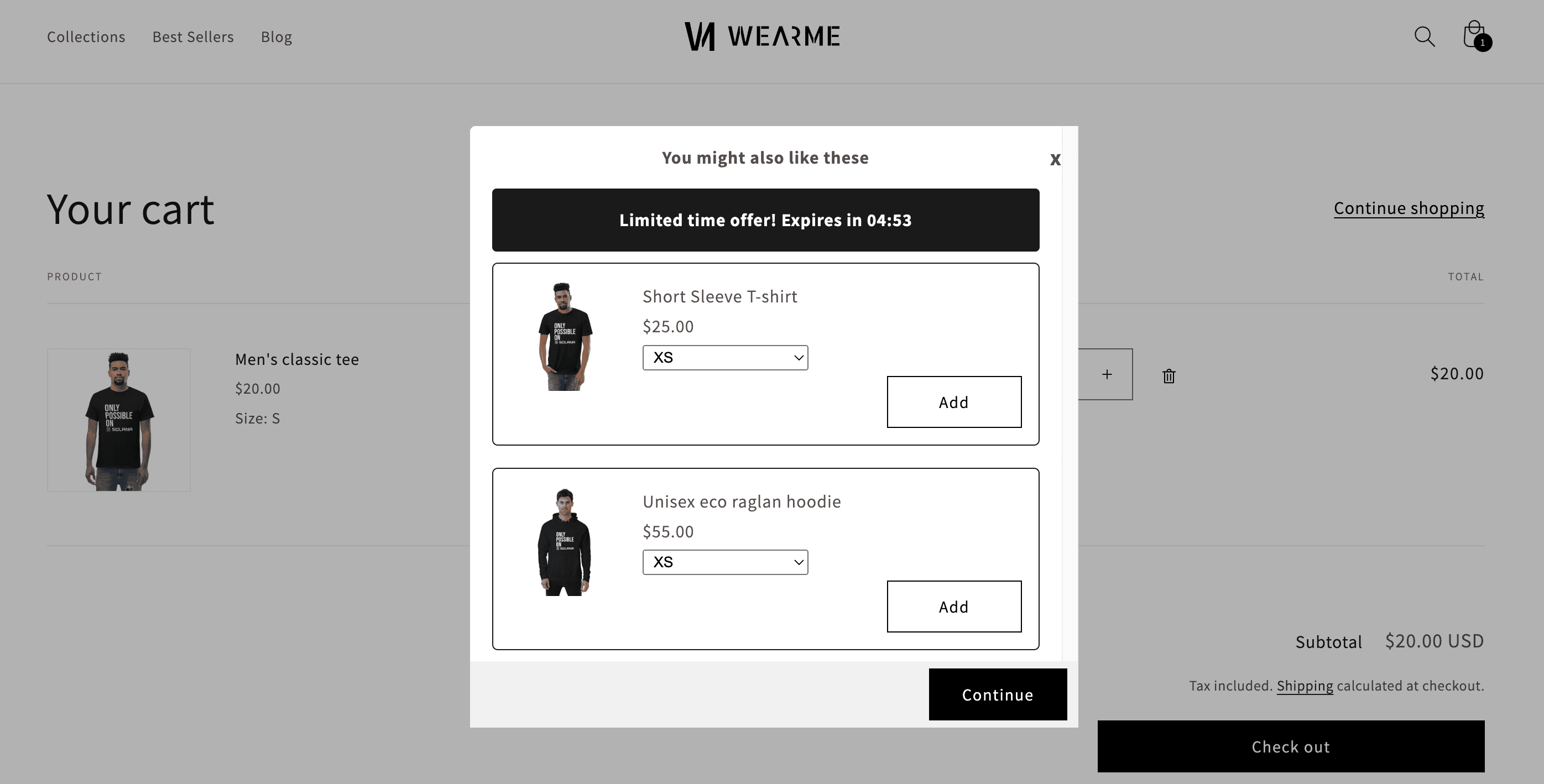
The Power of Libautech Smart Upsell
Setting up cart upsell or downsell offers with add-ons is a breeze with the Libautech Smart Upsell app. This powerful app allows you to increase your sales and optimize your upselling funnels effortlessly. By providing your customers with attractive offers, discounts, and bundles, you can significantly enhance their shopping experience while boosting your revenue.
In conclusion, adding cart upsell or downsell offers with add-ons can be a game-changer for your business. With the help of the Libautech Smart Upsell app, you can easily create compelling offers that entice customers to make additional purchases. Remember to select add-ons that align with the customer's initial purchase and make the offer attractive with discounts and bundles.
Don't let your upselling funnels fall short. Take advantage of the Libautech Smart Upsell app and watch your sales soar. If you need any assistance during the setup process, the team at Libautech is available to help.