How to Start Dropshipping on Shopify (2026 Guide)
Starting a Shopify dropshipping business can be simple, affordable, and potentially very profitable. For just $1 in your first month, you can set up a fully functional Shopify store using the link below. In this guide, I'll walk you through every step to launch your dropshipping business and start selling with ease.
Step 1: Register Your Shopify Store
- Sign Up: Click on the link below to register your Shopify store. With this promo, your first month costs only $1, giving you an affordable way to get started.
- Complete Setup: Follow Shopify’s setup guide, where you'll enter essential details to open your online store.
Once your Shopify store is live, you’ll be ready to move on to the next steps.
Step 2: Purchase a Domain
While Shopify provides a free default domain, buying a custom domain is a great way to build trust with customers. You can purchase one directly through Shopify or use external domain providers, like Namecheap or GoDaddy.
Step 3: Choose Dropshipping Products
Now comes the core of your dropshipping business: finding quality products to sell.
- Explore Dropshipping Apps: Go to the Shopify App Store and search for dropshipping apps. Popular apps include:some text
- AliExpress Dropshipping: Apps like DSers or Oberlo (for AliExpress) allow you to import products from AliExpress, set your prices, and sell them directly on your store.
- Zendrop: This app simplifies the dropshipping process, automating product selection and order fulfillment.
- Spocket: Known for high-quality products from suppliers with warehouses in the US and EU, Spocket ensures faster shipping and better customer experience.
- Each app offers unique benefits and pricing. Choose one that suits your product quality needs and target location.
Step 4: Add Products to Your Store
After selecting a dropshipping app, follow these steps:
- Install the App: Install your chosen dropshipping app on Shopify.
- Import Products: Browse through the app to find products you’d like to sell. Once selected, import them into your Shopify store.
- Set Your Profit Margins: Adjust pricing to include your profit margin. For example, if a product costs $10, you might set the retail price at $20.
This markup allows you to profit when a customer buys from your store.
Step 5: Consider Adding Print-on-Demand Products
In addition to traditional dropshipping, you can use Printful or Printify to sell custom merchandise. With print-on-demand, you can design items like t-shirts, hoodies, and accessories. These platforms handle production and shipping, allowing you to focus on selling.
- Install the Printful App: Search for Printful in the Shopify App Store and install it.
- Upload Your Designs: Add your custom designs for products like hats, home decor, and apparel.
- Set Prices: Similar to dropshipping, you’ll set a markup to earn a profit on each sale.
Step 6: Optimize with Upselling Apps
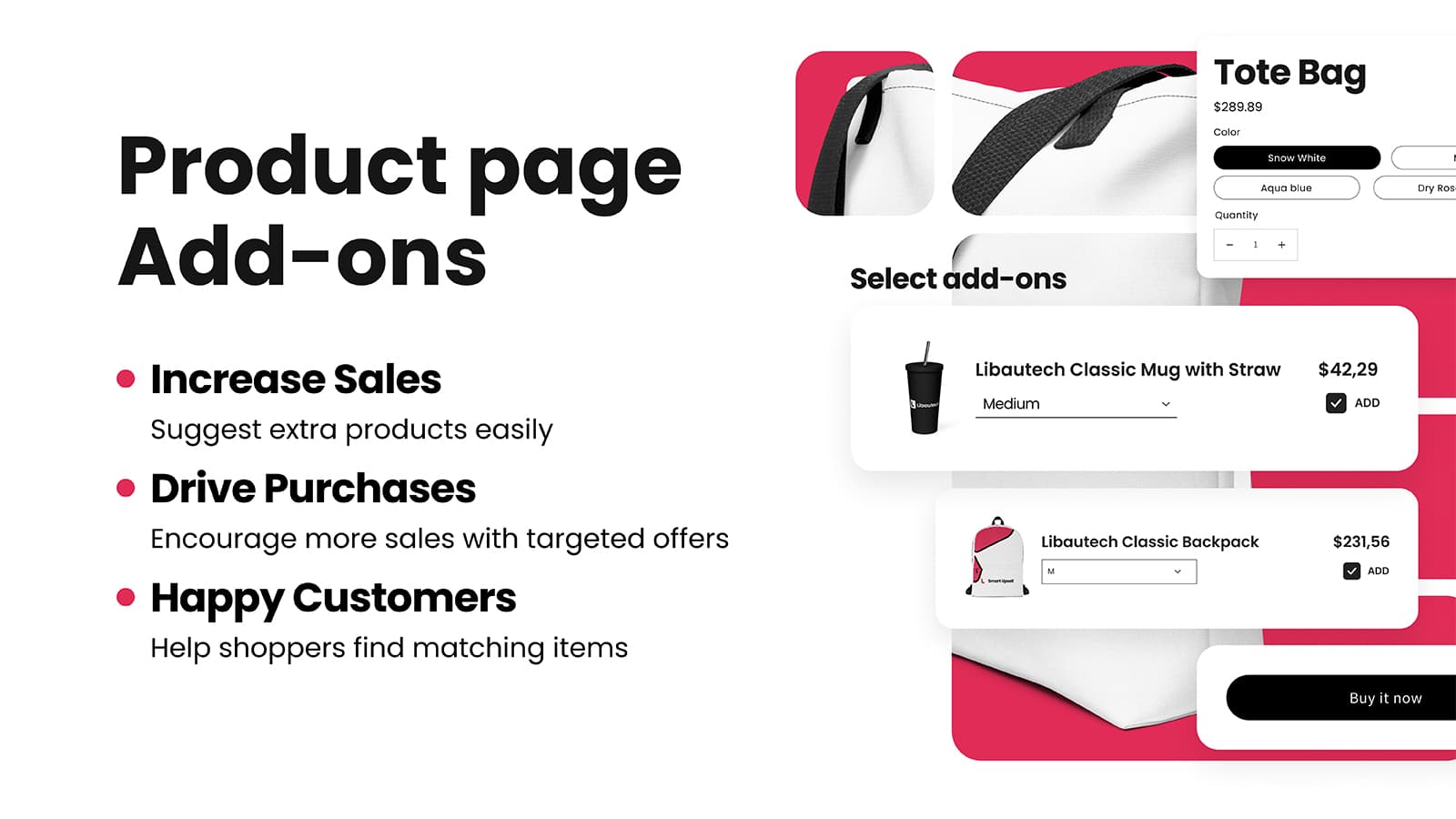
To increase sales, consider adding an app like Shopify Smart Upsell app. This app allows you to offer related products or bundles to customers, potentially increasing the value of each order.
Pro Tips for Running a Successful Shopify Dropshipping Store
- Product Quality: Choose suppliers with good reviews to ensure product quality and reduce return rates.
- Shipping Times: If your customers are in the US or EU, prioritize suppliers with warehouses in these regions to offer faster shipping.
- Customer Experience: Great customer service and clear communication are essential to building a loyal customer base.
- Marketing: Leverage social media advertising, email marketing, and influencer partnerships to drive traffic to your store.
Conclusion
Starting a Shopify dropshipping business has never been more accessible, especially with this $1 first-month promotion. Follow these steps, test different products, and remember that persistence is key. Give these apps a try, and feel free to reach out with any questions in the comments below!
Now, go ahead. Set up your Shopify store and begin your dropshipping journey today.