How to Use Canva for Your eCommerce Store Visuals

Canva is an online-based design tool that allows Ecommerce store owners to create professional designs for their website, flyers, social media, email newsletter, and more. Although you require no prior design skills to work on Canva, the result you get can be compared to that of a professional designer.
The easy-to-use pictures and pre-made templates can help you create stunning visuals without compromising the visual identity of your store. In this post, we are going to talk about some of these features and understand how they work to help you create a visually appealing Ecommerce or Shopify store.
1. Create Sliding Banners

One of the key elements you will notice on every Ecommerce store nowadays is the sliding banner. The reason why it is so common is that it successfully captures visitor’s attention and drives them towards store promotions and offers. To create sliding banners, you will first have to figure out the size of the banner. Once you have the size, you can use the custom dimension feature and create a slider of your desired size. You can upload the images you want to choose from the high-resolution images in its library.
2. Create A Perfect Header

In order to ensure that your business identity is intact on the eCommerce store, you can use Canva to create a header that is just the right size. All you have to do is upload a copy of your logo. Once you do that you can use the custom dimension feature to adjust the size of the header to make it fit the Canvas size you have selected. Once you are done editing, you can download the finished image in .png or .jpg format. To make the header more appealing, you can use interesting texts to create excitement.
3. Standardized Product Photo
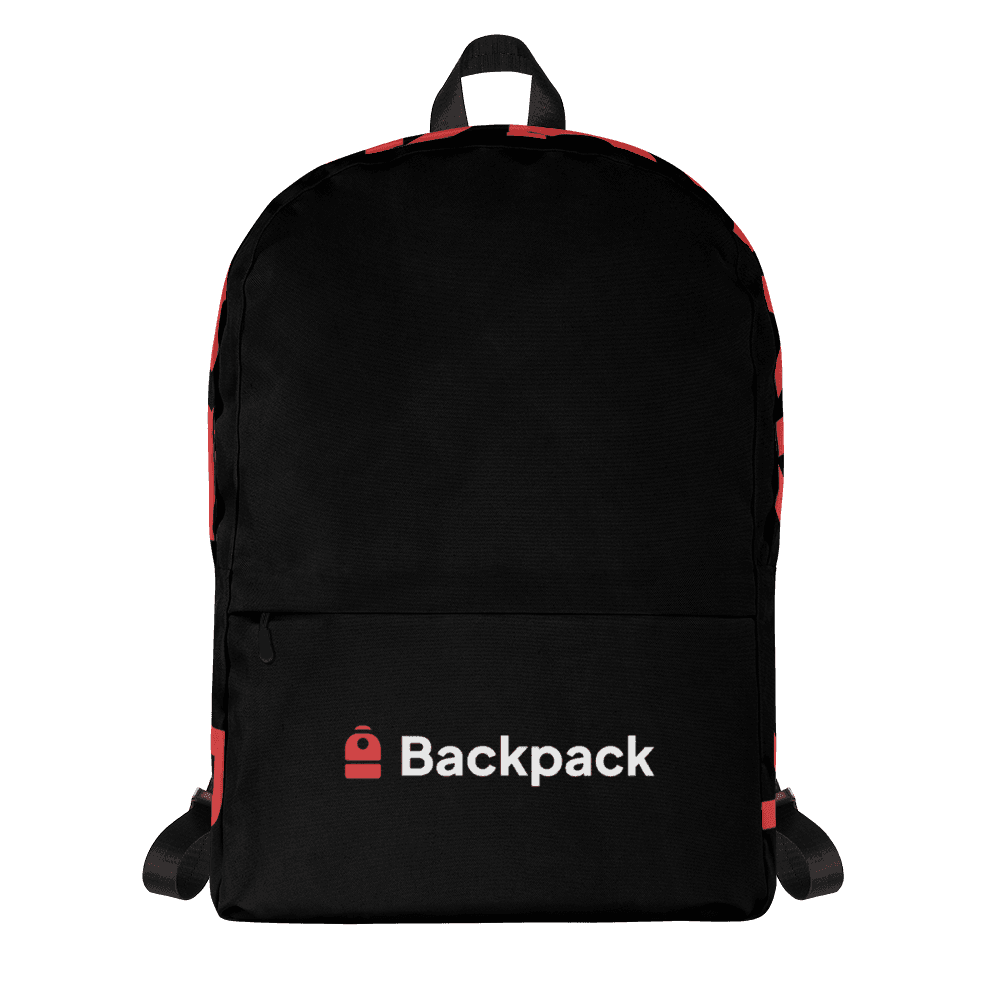
One of the best ways to make sure your Ecommerce store looks professional is to have a standardized product photo display. All the product photos on your hi commerce store should have the same size and ratio and Canva can help you do that. All you have to do is decide the ratio of the dimension and then upload all your product photos on Canva. Now adjust the images according to the dimension that you have set and download all the images to finally upload on your store.
4. Design Email Headers

All successful Ecommerce stores have to run email marketing campaigns to boost conversions. Canva can help you spice up your email newsletters by creating highly visual email headers. You can select from hundreds of email header design types and premade Canva layouts. You can even design your own email header and give it a nice personalized look.
5. Design Flyers
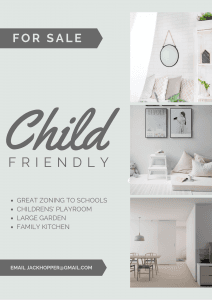
If you are also looking to market your store offline, you can use canva to create marketing materials like posters or flyers. There are tons of design templates you can choose from. Once you choose a design, you can go on to customize it for your store, print it and ship the flyers with every shipment to boost conversions.
6. Create Social Media Visual
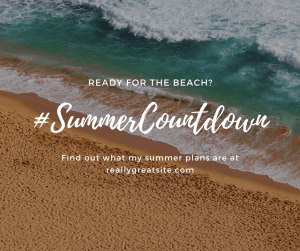
Finally, you can use Canva to create highly appealing social media visuals as well. With the help of pre-made social media designs, your efforts behind social media post designing are reduced by a huge margin. All you have to do is choose the social media platform you want to create a post for, and then choose from the pre-made templates. Customize it for your store and you are all set. You can even post the creative directly from Canva to your social media page if you want.
Final Thoughts
While it is very important to keep your design game up to the mark when you are running an online business. You might be tempted to hire a professional graphic designer for your store, but with Canva you will feel no need to make the hire. Canva is definitely how one-stop shop for all your design needs. Have questions? Feel free to put them down in the comments section. We would love to hear from you!